
How do I make a movie with AI from just text? It is genuinely possible in 2026, but you don't type once and get a whole film. A text-to-video model creates an AI clip of roughly 5–10 seconds per prompt. The real way to make a movie is to write a script, break it into a shot list, generate one shot at a time and then edit everything into a single story, which you can do end to end on one platform such as Imgentic.
- The AI filmmaking pipeline has 6 steps: script → shot list → keyframes (text-to-image) → clips (text-to-video) → edit → export.
- A 60-second film means generating around 6–12 separate clips and joining them together, not a single generation.
- Character consistency is the number-one failure point of AI films. You fix it by locking one reference keyframe and reusing the same character description in every prompt.
- Imgentic combines Seedance 2.5 (text-to-video) and Seedream (text-to-image) in one workspace, so you can storyboard and generate clips without moving files between tools.
- Pricing and free tiers for 6 platforms are compared in the tables below.
Can You Really Make a Movie with AI from Just Text?
You really can make a movie with AI from just text in 2026, but it isn't one click: a text-to-video model creates a clip of roughly 5–10 seconds per prompt. A coherent AI film comes from planning your shots, generating clips one by one and editing them into a single story. You are the director; the AI stands in for the camera and the crew.
First, a definition: text-to-video is a generative AI technology that turns a written description (a prompt) into a moving video clip without any real filming. Understanding this saves beginners the most grief, because if you type "make me a 3-minute film about a robot detective" into any tool, what you get is one short clip, not a movie.
What Does "Text-to-Movie" Actually Mean in 2026? (AI Clip vs. AI Movie)
An AI clip is a single generated shot: 1 prompt, 1 result, typically 5–10 seconds long. An AI movie is a multi-scene work assembled from many AI clips and edited with sound, pacing and a consistent visual tone throughout.
This difference matters, because platforms that only generate single clips leave the hardest parts entirely to you: planning, consistency and editing. To be precise: an AI movie maker is a platform that brings several filmmaking stages together (writing the script, building the storyboard, generating each shot and editing) in one tool. That is why comparing tools on clip quality alone is a trap, as we'll discuss next.
What Do You Need Before You Start? Script, Platform and Shot Plan
Before you generate anything, have these 3 things ready:
- A short script: half a page is enough. It forces you to know what happens, in what order and who is in the frame.
- A platform that covers the whole pipeline: ideally one place that handles keyframes, clips and assembly. For example, create your first AI video in Imgentic Studio so that every file lives in one project.
- A shot plan: a numbered list of every shot, because 1 shot = 1 prompt.
In short: you don't need a camera, a crew or a production budget, but you do need a plan. AI can replace the camera; it can't replace the director.
How Do I Make a Movie with AI from Just Text? 6 Steps You Can Actually Follow
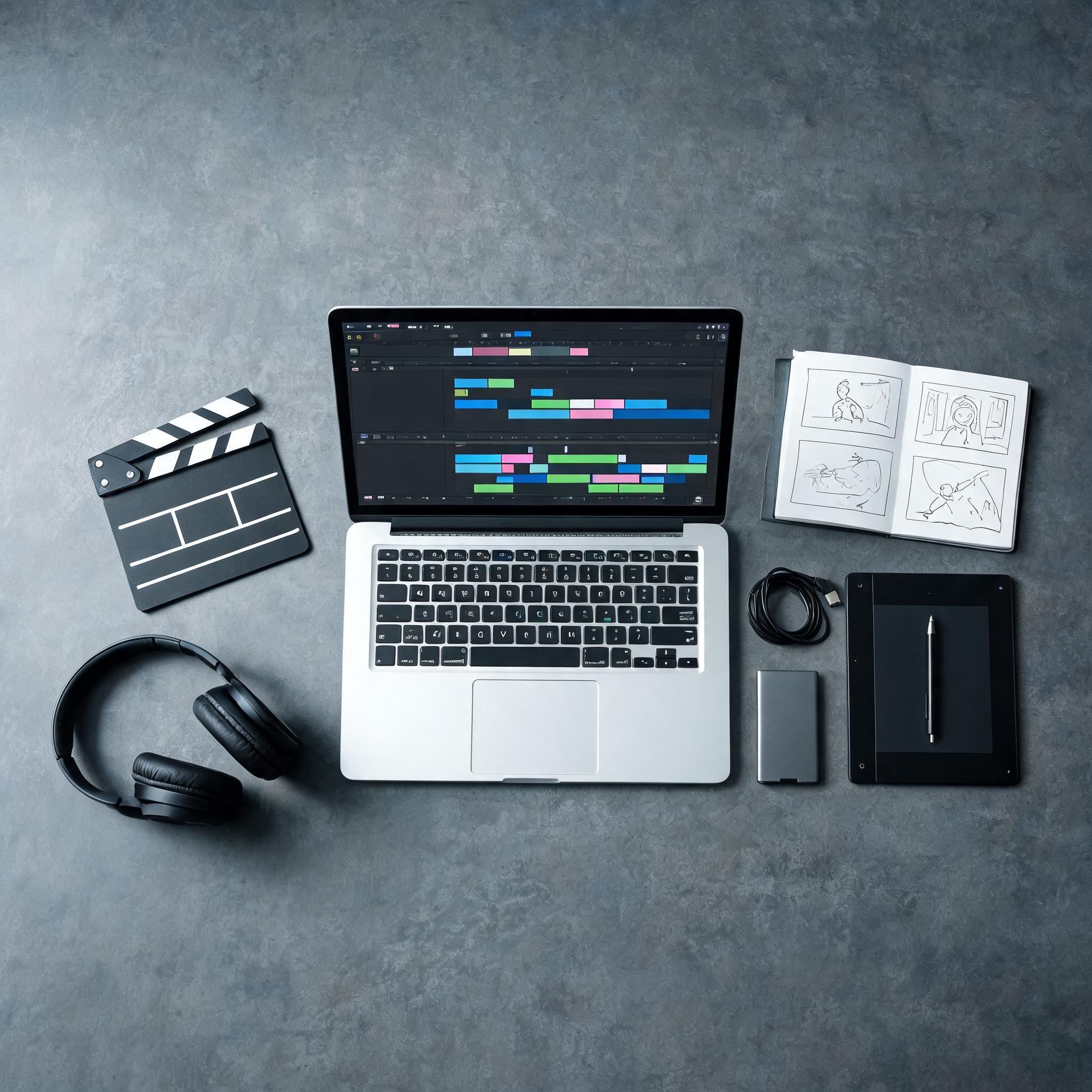
Making a movie with AI from text takes 6 steps: write a short script, break it into a shot list, create keyframe images with text-to-image, generate each clip with text-to-video, assemble and edit with sound, then export. You can do all of it on a single platform such as Imgentic Studio without switching tools.
- Write the script: short and visual. Describe what the audience "sees," not what's going on in the character's head.
- Break it into a shot list: number every shot. A 60-second film usually has 6–12 shots.
- Generate keyframes with text-to-image: lock the character's look and the visual style before you touch video.
- Generate each clip with text-to-video: 1 prompt per shot, using the same descriptor block every time.
- Assemble and edit: sequence the clips, cut out bad frames, and add music, sound effects and dialogue.
- Export: render at the resolution and aspect ratio of the channel where you will actually publish.
Steps 1–2: Turn Your Idea into a Script and a Shot List
A shot list converts story beats into units you can generate. Write each shot on one line: the shot number, who is in the frame, what happens and what the camera does. This document becomes the source of every prompt, and any ambiguity on paper becomes ambiguity on screen.
Tip: each shot should have one action. "She opens the door, walks to the window and picks up the letter" is 3 shots, not 1, and cramming them together is the most common reason AI clips turn into a mess.
Step 3: Lock the Look with Text-to-Image Keyframes (Seedream)
A keyframe is a still image that defines the character and the style before any video exists. In Imgentic you can create keyframes with Seedream (text-to-image) right away: generate your lead character once, iterate until the face, wardrobe and color palette are right, then treat that image as the "law" for every shot that follows.
This image-first step is far cheaper than fixing things in video, because regenerating a still costs a fraction of regenerating a clip. All of your visual experimentation should happen at this stage.
Step 4: Generate Each Shot with Text-to-Video (Seedance 2.5)
Seedance 2.5 is the text-to-video model Imgentic uses to generate clips (see the full specs in the Seedance 2.5 model overview). Work through the shot list one shot at a time, 1 prompt per shot, and paste the same character block and style block into every prompt, exactly as written.
Be ready for retakes, too. Even with locked descriptors, some shots need to be regenerated before the motion and framing come out the way you want. Treat retakes as a normal cost of the work, not a failure.
Steps 5–6: Edit, Add Sound and Export Your Film
Editing is where a pile of AI clips becomes a real AI movie. Trim the first and last frames of each clip (generation artifacts tend to pile up there), cut on action so the shots flow into each other, and then lay in the sound: music sets the rhythm, ambient sound makes it real, and dialogue or voiceover carries the story. Hit export when the full cut "makes sense with the sound off": if the story reads without audio, it will be even better with it.
Want to try all 6 steps right now? Start your first project in Imgentic Studio. Write a shot list of about 4 shots first, then scale up once you have the hang of it.
How Do You Write Prompts That Work Like a Screenplay?
A screenplay-style prompt describes each shot with 5 fixed fields (shot type, character lock, action, camera move and lighting/style), so that every separately generated clip looks like part of the same film rather than random video. The character lock line must be identical, character for character, in every prompt.
The 5-Field Prompt Template (Copy and Use It)
- [SHOT TYPE]: wide shot, medium shot, close-up or over-the-shoulder. Pick one per prompt.
- [CHARACTER LOCK]: the same character description in every prompt: age, face, hair, clothing, distinguishing features.
- [ACTION]: one clear action in the present tense: "she turns and drops the phone".
- [CAMERA MOVE]: static, slow push-in, handheld follow or pan. Only one.
- [LIGHTING/STYLE]: the same style block for every shot: lens feel, color grade, era, film grain.
Warning: the 2 fields you must never change between shots are the character lock and the lighting/style. Change either one and your shots instantly stop looking like the same film.
Example: 3 Consecutive Shots from One Short Film
Notice that these 3 shots share the lock blocks and change only the shot type, action and camera:
- Shot 1: Wide shot. [CHARACTER LOCK: woman in her 30s, short black hair, red raincoat]. She walks across an empty rain-soaked street at night. Static camera. [STYLE: 35mm film look, teal-orange grade, soft neon reflections].
- Shot 2: Medium shot. [same character lock]. She stops and looks up at a flickering sign. [same style block].
- Shot 3: Close-up. [same character lock]. Rain runs down her face as she smiles slightly. Static camera. [same style block].
Prompting for Dialogue, Sound Effects and Story Pacing
Most text-to-video models are better at visuals than at speech. The reliable workflow in 2026 is to generate the visuals with the 5-field template first, then add dialogue, voiceover and sound design at the editing stage. If your platform supports built-in audio, write sound cues on a separate line, such as "distant thunder, muffled traffic". Don't stuff them into the action field, or the model will get confused.
How Do You Keep Characters and Style Consistent in Every Scene? (Character Consistency)
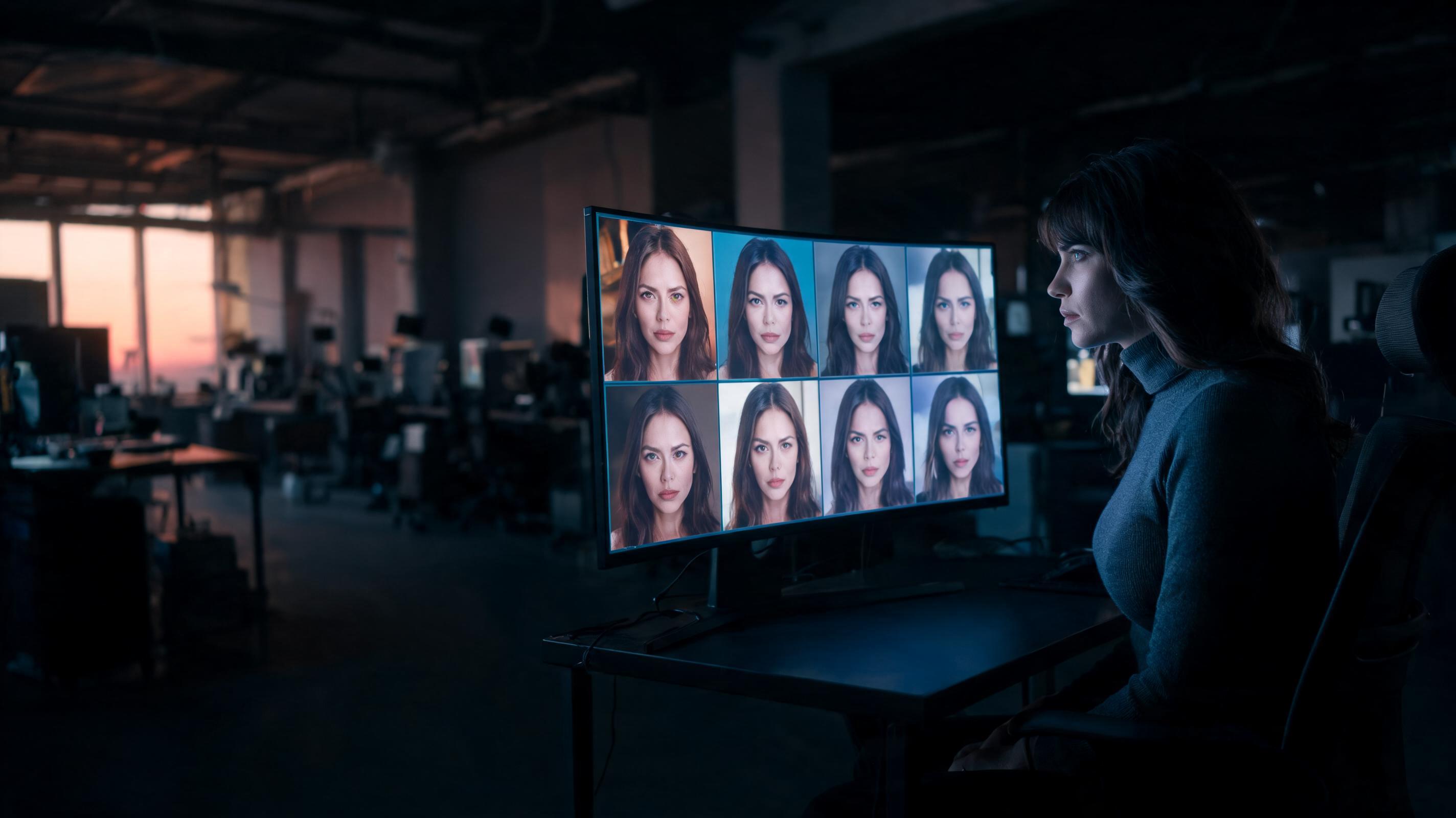
Character consistency in an AI film comes from an image-first workflow: generate one reference keyframe of the character with text-to-image, then use that image (or exactly the same description) in every text-to-video prompt, while keeping style keywords such as lens, color grade and era identical in every shot.
To be precise: character consistency means making the same character keep the same face, clothing and visual style in every separately generated shot. In the cases we see most often, the "face changes every scene" problem is the single reason most people's first AI film falls apart. Audiences will forgive motion that isn't quite smooth yet, but not a lead character who turns into someone else halfway through.
Image-First: Lock the Keyframe Before Generating Video
Image-first works because stills are fast and cheap to iterate on. Generate your character with a text-to-image model such as Seedream, refine the design until it's right, then feed that keyframe (as a reference image) or a description that matches it into every clip prompt. The keyframe becomes the single source of truth for the whole story.
Reusable Descriptor Blocks for Character and Style
Write the character lock and the style block once, save them in a note, and paste them into every prompt word for word. "Word for word" really matters: "a woman in a red coat" and "a red-coated woman" can give you two different people. Treat these blocks like code: never retype them, only copy and paste.
When Should You Regenerate, and When Should You Fix It in the Edit?
Regenerate when a scene's face, wardrobe or lighting is wrong: editing can't repair identity drift. Timing problems, a weak first second or slightly off pacing can be fixed in the edit by trimming, cropping or adjusting speed, without spending a single credit. A simple rule that works in practice: if you can still see the error on a freeze-frame, regenerate; if you only see it in motion, fix it in the edit.
Which AI Movie Maker Is Best in 2026? Imgentic vs. LTX Studio, InVideo, Vidu, Canva, VEED
AI movie makers differ most on 4 points: maximum clip length per generation, storyboard tools, character consistency features and price. Imgentic combines Seedance 2.5 (text-to-video) and Seedream (text-to-image) in one workspace, LTX Studio focuses on script-to-storyboard, and InVideo, Vidu, Canva AI and VEED focus on generating single clips.
6 Platforms Compared on a Real Filmmaker's Criteria (Updated 2026)
| Platform | Max clip length | Storyboard and consistency | Free tier |
|---|---|---|---|
| Imgentic | — | Keyframe-first workflow (Seedream + Seedance 2.5) in one workspace | — |
| LTX Studio | — | Focused on script-to-storyboard | — |
| InVideo | — | Single-clip generation, template-focused | — |
| Vidu | — | Single-clip generation | — |
| Canva AI | — | Clip generation inside a design toolkit | — |
| VEED | — | Clip generation + browser-based editor | — |
Tip: when comparing, also work out how many clips you would have to stitch for your target length. A platform with shorter clips means more prompts, more retakes and a higher consistency risk per minute of film.
What Is Imgentic Studio and Which Models Does It Use? (Seedance 2.5, Seedream)
Imgentic Studio is the web app of Imgentic, an all-in-one AI studio with more than 70 generation models on one credit balance, including Seedance 2.5 for text-to-video and Seedream for text-to-image. You still break the script into a shot list and choose the model for each shot, but you do it all in one place instead of across several tools.
In practice, for the workflow in this guide, the advantage is that keyframes and clips live in the same project, so the image-first technique works without exporting and re-uploading files between tools. What you should know before deciding is how credits and plans work; check them yourself on the Imgentic pricing and free credits page.
Which Platform Fits Which Kind of Project?
- Multi-scene short films with recurring characters: use a full-pipeline platform such as Imgentic or LTX Studio, because consistency tools are non-negotiable.
- 15–30-second commercials: Imgentic or InVideo. Few shots, one product or character, fast turnaround.
- One-off social clips: single-clip generators (Vidu, Canva AI, VEED) are enough, because you don't need to keep anything consistent across shots.
Can You Create Video from Text for Free, and What Does One AI Film Really Cost?
You can create video from text for free on almost every platform, but free tiers usually come with watermarks, low resolution or limited credits. A real 60-second AI film needs 6–12 clips plus retakes, so the accurate way to compare costs is in credits per finished minute of film, not credits per clip.
Each Platform's Free Tier and the Conditions to Watch For
| Platform | Free tier | Key conditions | Starting price |
|---|---|---|---|
| Imgentic | — | — | — |
| LTX Studio | — | — | — |
| InVideo | — | — | — |
| Vidu | — | — | — |
| Canva AI | — | — | — |
| VEED | — | — | — |